How to Resize a Photo for a Passport Size (2×2, 35x45mm)
A passport application gets rejected for one of the most avoidable reasons: the photo is the wrong size. The picture itself is fine — good light, neutral expression — but the head is too small, the dimensions are off, or the file is too large for the upload portal. Resizing a photo to passport size is a five-minute job once you know the exact dimensions, and you can do it at home with a free online tool instead of paying a photo studio.
Passport photo sizes by country
The two most common standards are:
- United States — 2 × 2 inches (51 × 51 mm). Square. Head height must be 1 to 1⅜ inches (25–35 mm), and the head should take up 50–69% of the image height. Digital files: 600 × 600 pixels minimum, up to 1200 × 1200 pixels.
- United Kingdom, EU and most of Europe — 35 × 45 mm. Portrait, taller than it is wide. The head should fill most of the frame, with the eyes roughly a third of the way down from the top. Digital files: at least 600 × 750 pixels, and most portals accept up to 1200 × 1500 pixels.
- India — 2 × 2 inches (51 × 51 mm). Square, same as the US, with a white background and the face covering 80% of the photo.
- Canada — 50 × 70 mm. Portrait, larger than the European size, with the head 31–36 mm tall.
If your country is not listed here, check its official passport photo page before you resize — dimensions vary, and a photo sized for one country will not pass another’s portal.
Method: resize your photo with a free online resizer
The free Image Resizer changes a photo to exact dimensions in your browser — your photo never leaves your device, there is no signup, and there is no watermark.
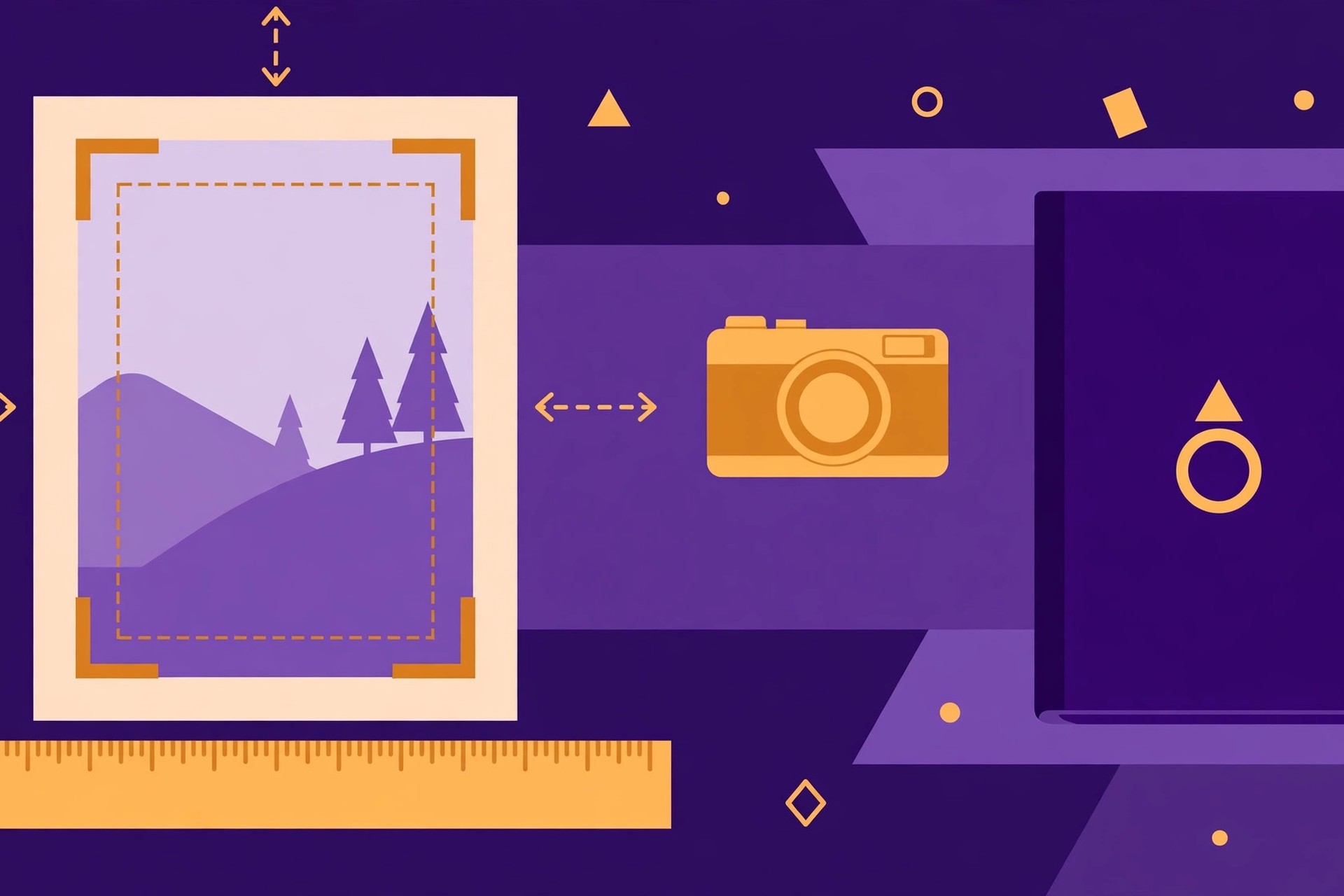
- Crop first. Open your photo in any editor and crop it to the right shape: square (1:1) for a US or Indian passport, or 35:45 portrait for the UK and EU. Frame your head and shoulders with your face centred and the top of your head near the top of the frame.
- Open the Image Resizer tool and upload the cropped photo (JPG, PNG or WebP).
- Unlock the aspect ratio only if needed. If the crop already matches the target shape, keep the lock on and set one side — the other follows automatically.
- Enter the exact pixels. For a US passport, use 600 × 600 (or 1200 × 1200 for maximum quality). For a UK/EU passport, use 600 × 750 or 1200 × 1500. For print, remember 300 DPI: 35 × 45 mm at 300 DPI is 413 × 531 pixels.
- Pick the output format. JPG is the safest choice — every passport portal accepts it. Keep quality high; a passport photo is small, so the file will still be tiny.
- Download the resized photo and check it: confirm the dimensions, the head size and the file size against your portal’s limits.
For the general rules of resizing without distortion, see our guide on how to resize an image.
Photo rules that resizing cannot fix
Resizing only changes dimensions. It cannot fix a photo that breaks the other rules, so check these before you upload:
- Background: plain, light-coloured — white or off-white — with no patterns, objects or other people. Stand against a plain wall.
- Expression: neutral, mouth closed, eyes open and looking at the camera. No smiling with teeth showing.
- Headwear and glasses: no hats or head coverings unless worn daily for religious reasons; glasses are best removed, since reflections and frames cause rejections.
- Lighting: even, on your face, with no shadows on the face or the background. Face a window in daylight rather than using a flash.
- Recency: most countries require a photo taken within the last six months. An old photo, however perfectly sized, will be rejected.
Common problems — and what to do
- “The portal says my file is too large”: Your photo is probably still at full camera resolution. Resize to the portal’s exact pixel size first — that alone usually cuts a 4 MB photo to under 200 KB. If it is still too big, lower the JPG quality slightly.
- “My photo looks stretched”: The aspect ratio changed during resizing. Go back, crop the original to the target shape (square or 35:45) first, then resize with the aspect-ratio lock on.
- “The photo is blurry after resizing”: You enlarged a small image. Always start from the largest original you have — a full-resolution phone photo, not a screenshot or a photo already shrunk by a messaging app.
- “The portal wants a specific file size in KB”: Resize to the exact pixels first, then adjust JPG quality until the file size fits. Quality 85–90 usually lands in the right range for a passport photo.
Tips for a photo that passes first time
- Use the rear camera, or a tripod. Phone selfies distort the face slightly because the lens is close. Ask someone to take the photo from about 1.5 metres away, or use a tripod and timer.
- Take several shots. Take five or six, then pick the one with the most neutral expression and the straightest head position.
- Save the correctly sized file. Keep a copy at 600 × 600 and one at 1200 × 1200 — renewal forms and visa applications often ask for the same photo again.
Frequently asked questions
Q: What size is a passport photo in pixels?
A: A US passport photo is 600 × 600 to 1200 × 1200 pixels (2 × 2 inches). A UK or EU passport photo is at least 600 × 750 pixels (35 × 45 mm). At 300 DPI for print, 35 × 45 mm equals 413 × 531 pixels.
Q: How do I resize a photo to passport size for free?
A: Crop the photo to the right shape first — square for the US and India, 35:45 portrait for the UK and EU — then use a free online image resizer to set the exact pixels, such as 600 × 600 or 600 × 750, and download it as a JPG.
Q: What is the passport photo size in the US?
A: 2 × 2 inches (51 × 51 mm), square, with the head 1 to 1⅜ inches tall and taking up 50–69% of the image height. Digital files must be at least 600 × 600 pixels.
Q: What is the passport photo size in the UK and EU?
A: 35 × 45 mm, portrait orientation, with the head filling most of the frame. Digital files should be at least 600 × 750 pixels, and most portals accept up to 1200 × 1500 pixels.
Q: Can I use a photo taken on my phone for a passport?
A: Yes, if it meets the rules: plain light background, even lighting, neutral expression, no glasses or headwear, and the exact dimensions for your country. Take it with the rear camera from about 1.5 metres away for the least distortion.
The short answer
A US passport photo is 2 × 2 inches (600 × 600 pixels minimum); a UK or EU one is 35 × 45 mm (at least 600 × 750 pixels). Crop to the right shape first, then resize to the exact pixels with the free Image Resizer — and check the background, lighting and head size too, because resizing alone cannot fix a photo that breaks the other rules.