QR Codes: The Complete Beginner’s Guide
They are on menus, tickets, posters, and payment counters — those pixelated squares everyone scans but few understand. This guide explains what QR codes actually are, how they pack in data, what “error correction” means, and how to create codes that scan reliably every time.
On this page
- What is a QR code?
- How QR codes store data
- Error correction levels explained
- Designing codes that always scan
- Smart uses beyond URLs
- FAQ
What is a QR code?
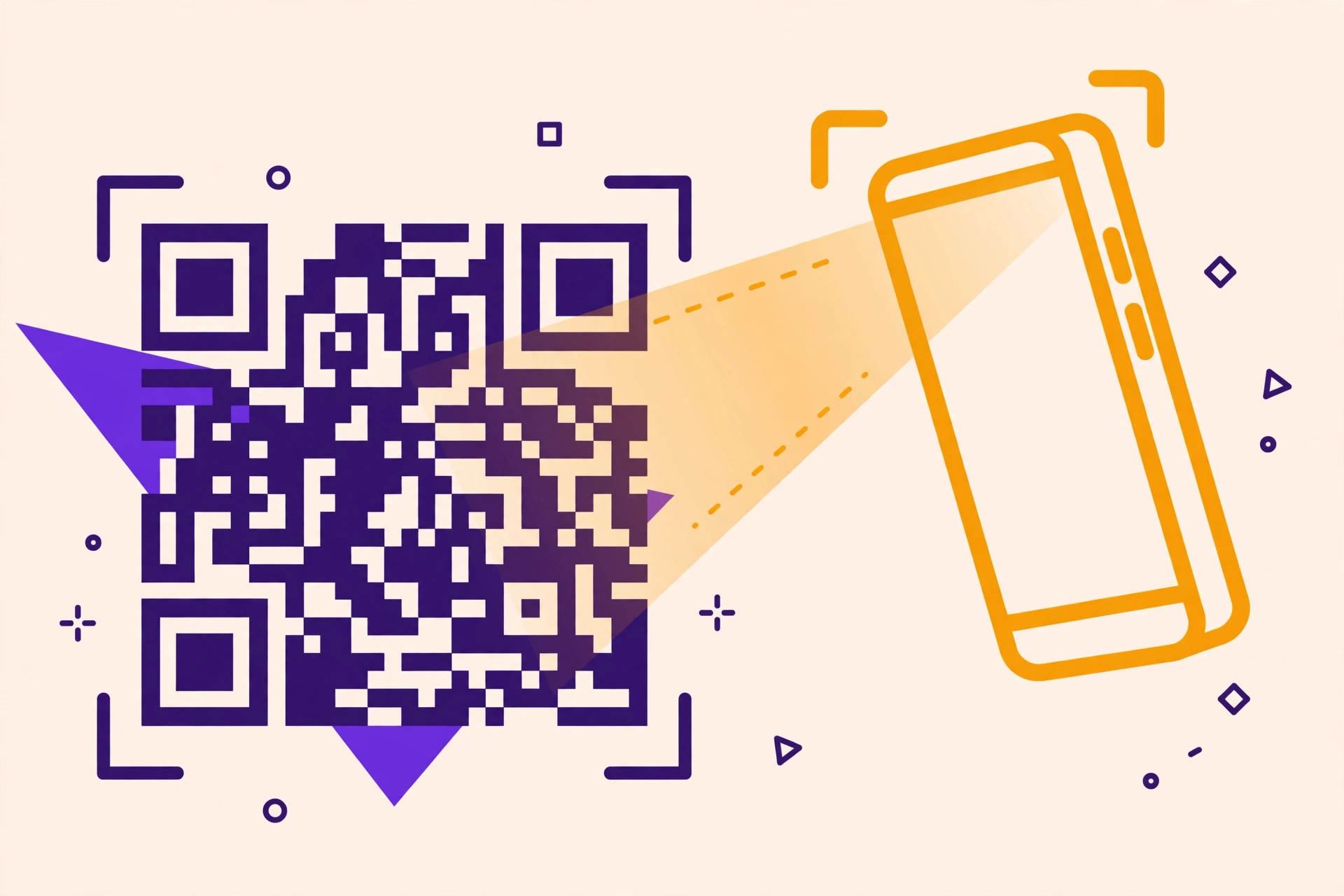
QR stands for Quick Response. Invented in 1994 by Denso Wave (a Toyota supplier) to track car parts, it is a two-dimensional barcode: where a classic barcode stores data in one row of stripes, a QR code stores it across a grid of black and white modules, holding hundreds of times more information. The three large squares in the corners are finder patterns — they tell the scanner “this is a QR code” and let it read the grid at any angle or orientation.
How QR codes store data
Each tiny square (module) is one bit: black = 1, white = 0. Data is encoded in modes optimized for different content — numeric mode packs digits most densely, alphanumeric handles uppercase letters and symbols, byte mode handles anything including UTF-8 text and URLs. A version-40 code (the largest, 177 × 177 modules) holds up to ~3 KB: roughly 4,000 alphanumeric characters or 7,000 digits. Shorter content produces smaller, simpler codes — which is why short URLs scan faster and look cleaner than long ones.
Error correction levels explained
QR codes use Reed–Solomon error correction — the same math that keeps scratched CDs playing. Part of the code is redundant backup data, so damage does not mean data loss:
| Level | Damage tolerated | Use when… |
|---|---|---|
| L | ~7% | Clean digital display, plenty of space |
| M | ~15% | General use — the safe default |
| Q | ~25% | Outdoor or industrial environments |
| H | ~30% | Logos overlaid, tiny print, harsh conditions |
Higher levels make denser codes (more modules for the same text), so do not default to H “just in case” — M is right for most situations. Our free QR generator lets you pick the level and previews the result instantly.
Designing codes that always scan
- Contrast is king. Dark modules on a light background. Light-on-dark “inverted” codes fail on many scanners — avoid them.
- Keep the quiet zone. Leave a blank margin at least 4 modules wide around the code. Our generator adds it automatically.
- Size for distance. Minimum ~2 × 2 cm (1 inch) for hand-held scanning; for posters, use the 10:1 rule — a code scanned from 1 meter away should be ~10 cm wide.
- Shorten long URLs. Fewer characters = fewer modules = faster, more reliable scans.
- Test before printing. Scan with two different phones (iOS and Android) at the intended distance and lighting.
- Logos need level H. Covering the center with a logo destroys modules — only high error correction survives it, and keep the logo under ~15% of the area.
Smart uses beyond URLs
- Wi-Fi sharing: encode WIFI:T:WPA;S:NetworkName;P:password;; and guests join without typing.
- Contact cards: vCard data creates a “save contact” scan.
- Payments: UPI, Pix, and many wallets accept payment QR codes.
- Offline marketing: pair a flyer QR with a UTM-tagged URL to measure exactly how many scans turned into visits.
- Events: tickets, check-in, feedback forms — all one scan away.
Frequently asked questions
Do QR codes expire?
Static codes (like ours) encode data directly and never expire. “Dynamic” codes from some services route through a server and can expire if you stop paying — another reason to prefer static codes.
Can QR codes be different colors?
Yes, as long as contrast stays strong — dark code on light background. Avoid red-on-green and similar low-contrast pairs, which many scanners cannot read.
How much text can a QR code hold?
Up to ~4,000 alphanumeric characters at the largest size, but practical codes stay under a few hundred characters for fast, reliable scanning.
Are QR codes safe to scan?
Mostly — but a code can link anywhere, so check the preview URL your phone shows before opening, especially on stickers placed over legitimate codes (a known scam).
FH
The SomethingWebTools Team
We build free, private, browser-based tools — and write guides so you can use them like a pro.
Try it now: Free QR Code Generator →
One Comment